Which fields should an editor see?
Experience and Technology · Content Management
A panel should be shaped by the team that publishes.
A panel should be shaped
by the team that publishes.
We look at who publishes what, how often, and through which approval, and build fields, permissions, and publishing steps around that flow: in a headless setup, in Payload, in our own Laravel-based panel, or in WordPress.
How does content go live?
How is a second language managed?


Content from the old system shouldn’t have to be rewritten on its way to the new one.
When we move pages, posts, and images into the new structure, we define where each field belongs in the new system. Because we redirect old links to their new addresses, shared links and pages in search results don’t end up at dead ends.
For teams that use content on more than one screen
For content whose structure is shaped by the project
For teams that manage content alongside business records
For teams that want to stay with a familiar panel

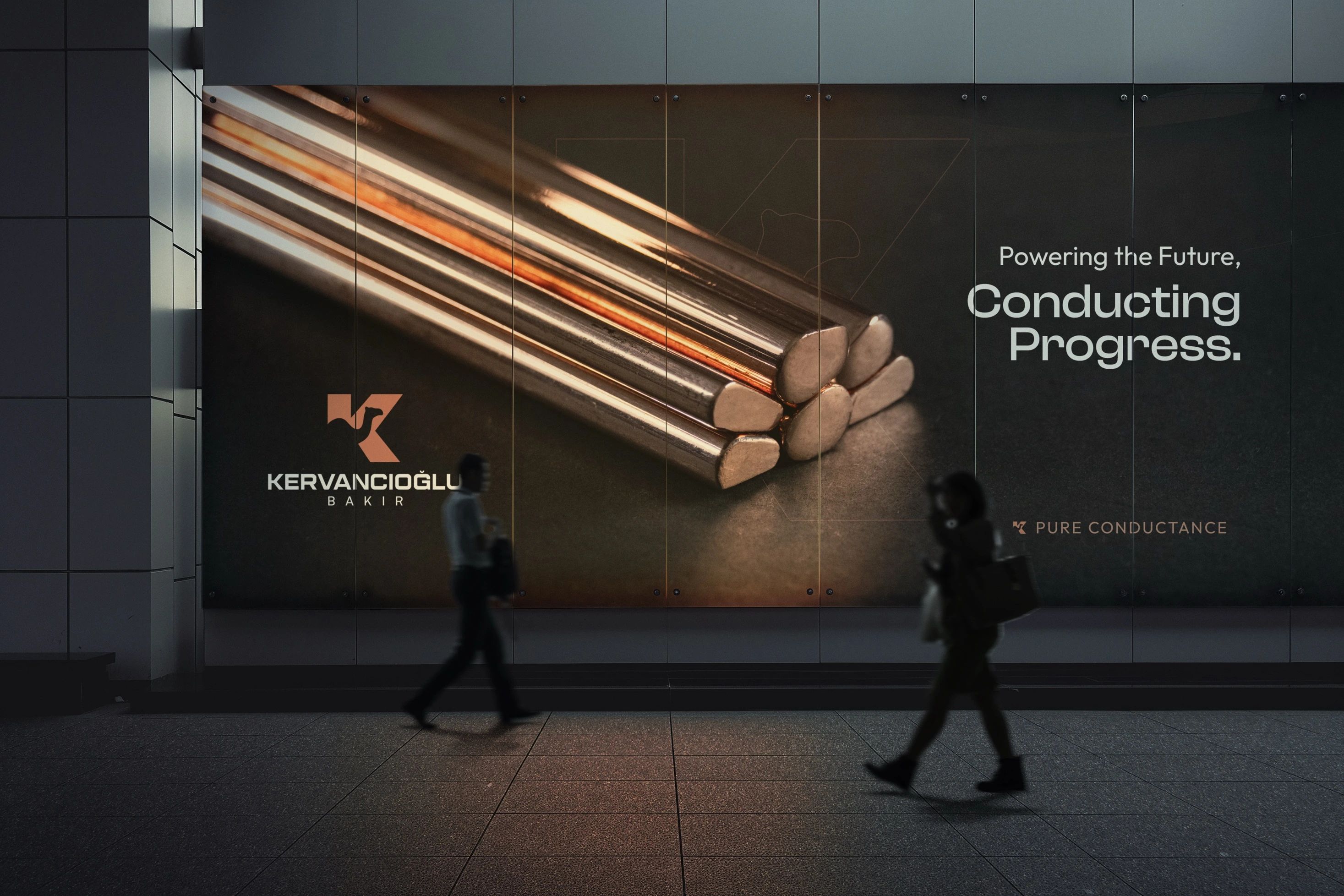
Kervancıoğlu Bakır
A new identity for a long-established brand.

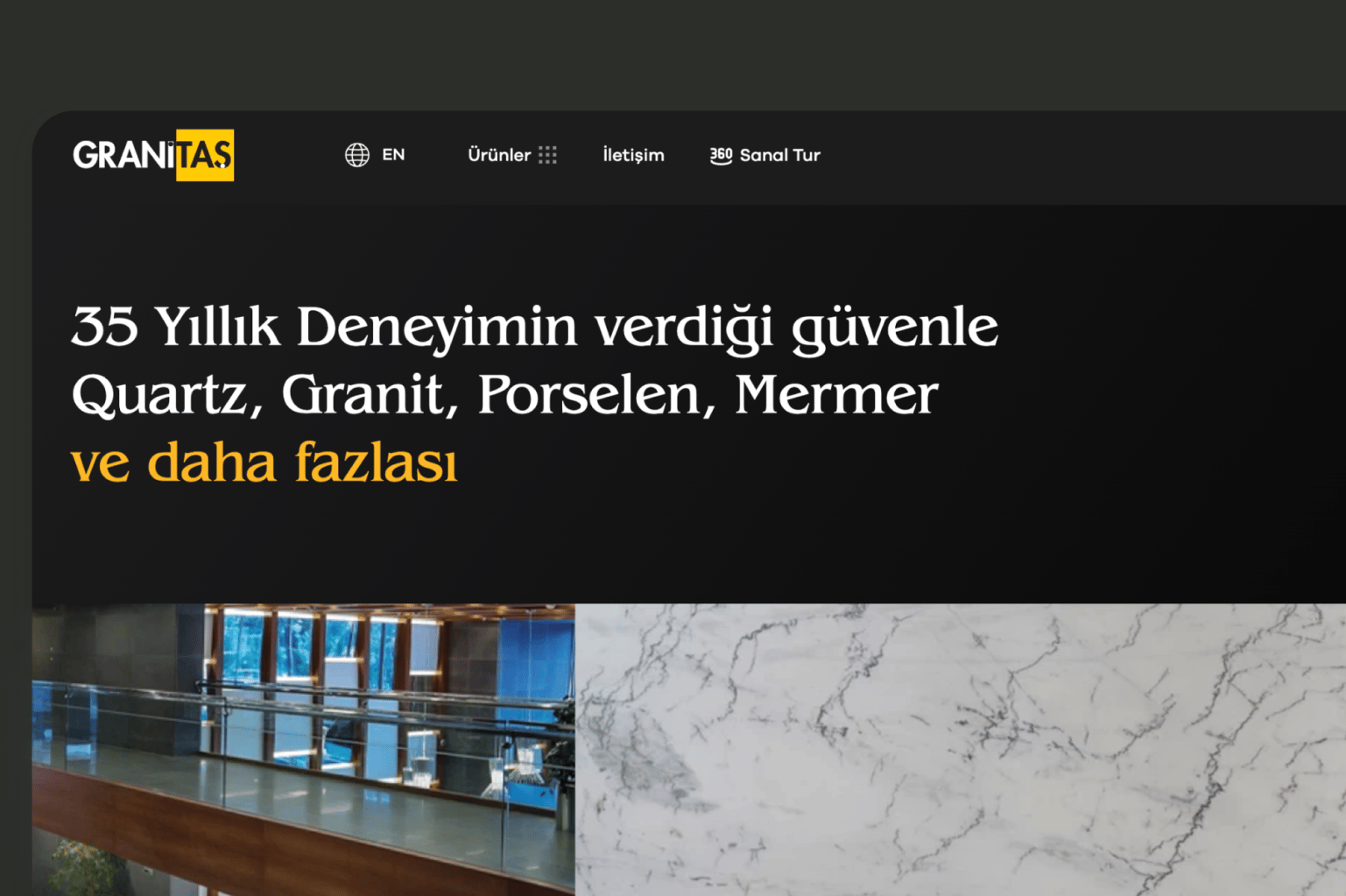
Granitaş
A stone should be easy to find, whether or not you know its name.

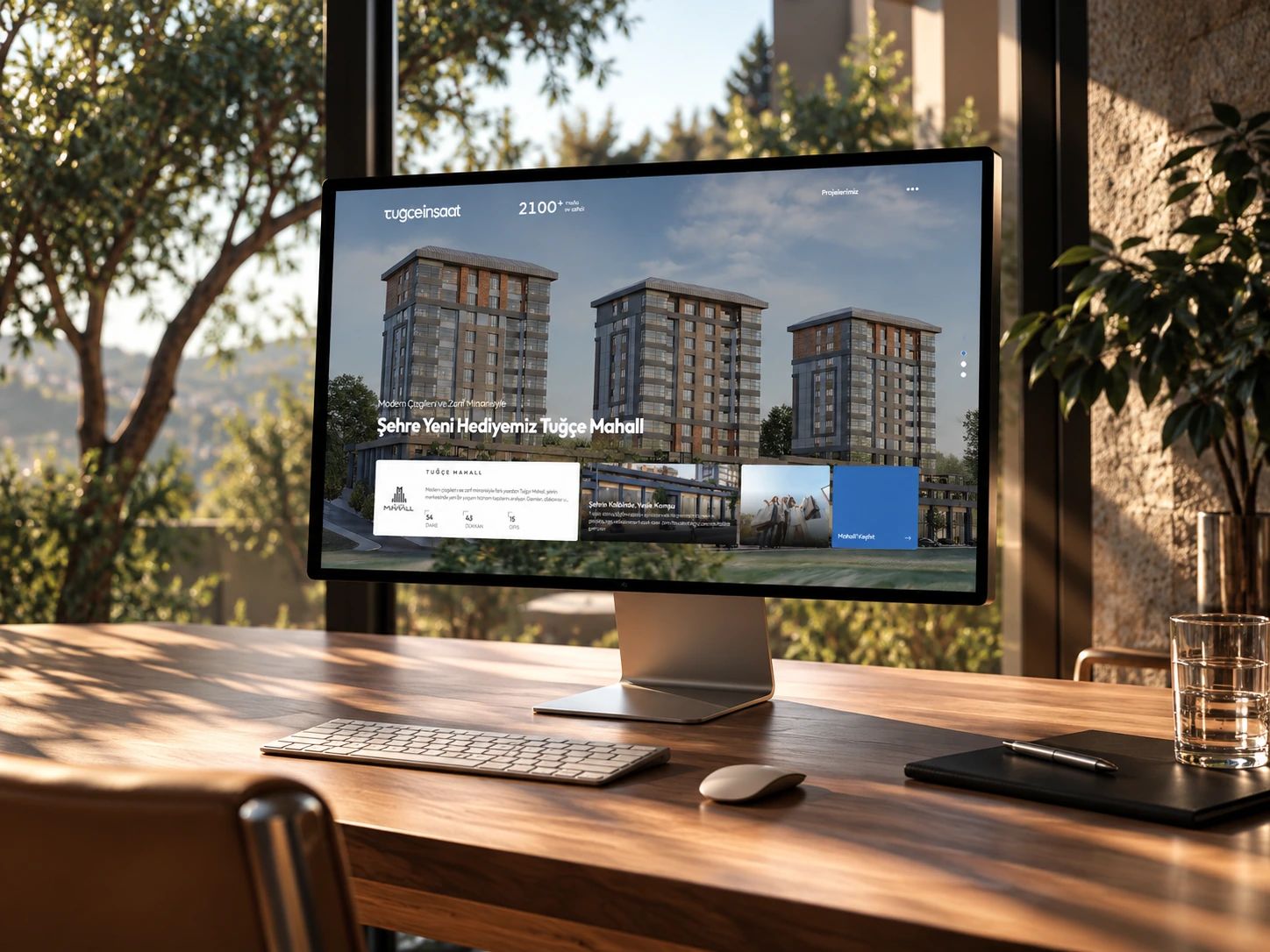
Tuğçe İnşaat
We pulled the interface back so the buildings could speak for themselves.

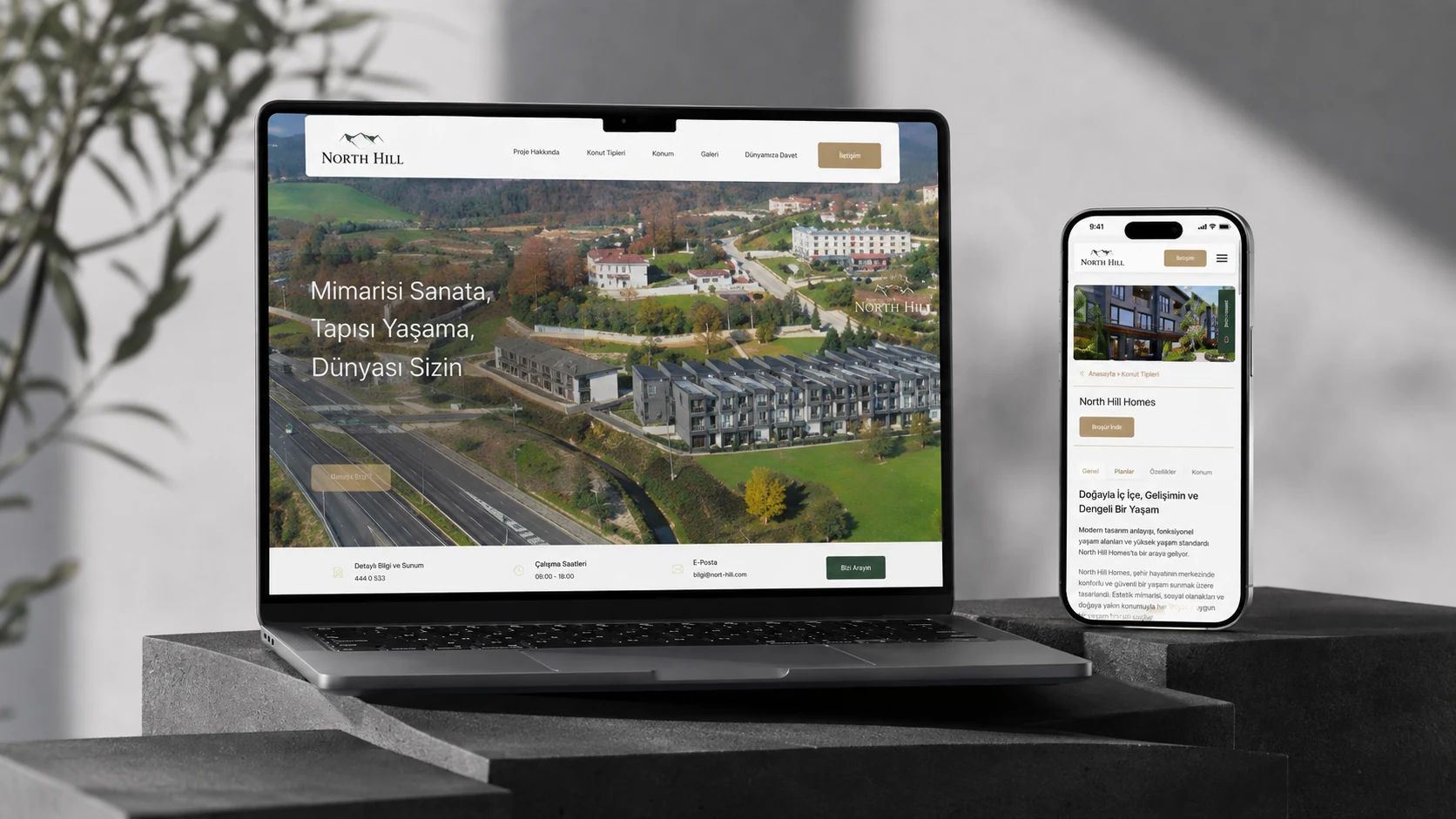
North Hill Yapı
We carried architectural elegance into every detail of the website.

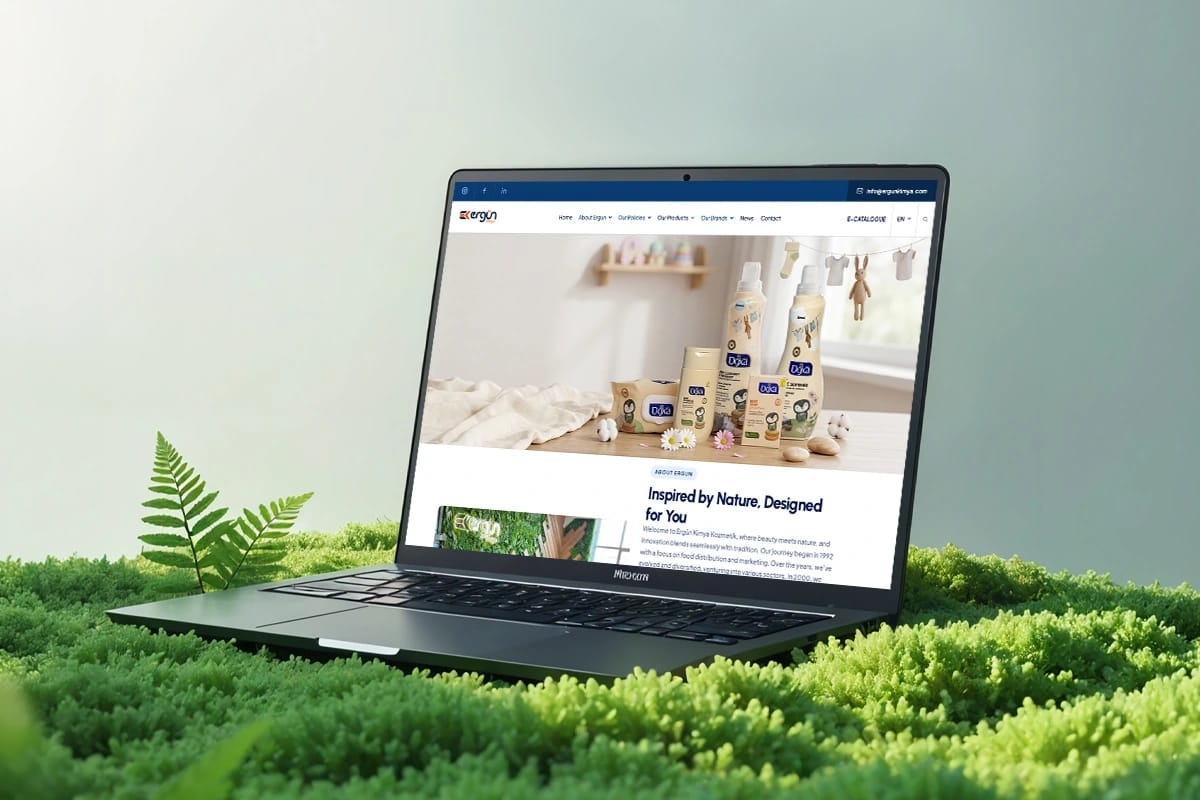
Ergün Kimya
We brought Doxa, Prodoxa, Noxes and Prolight together in a single showcase.

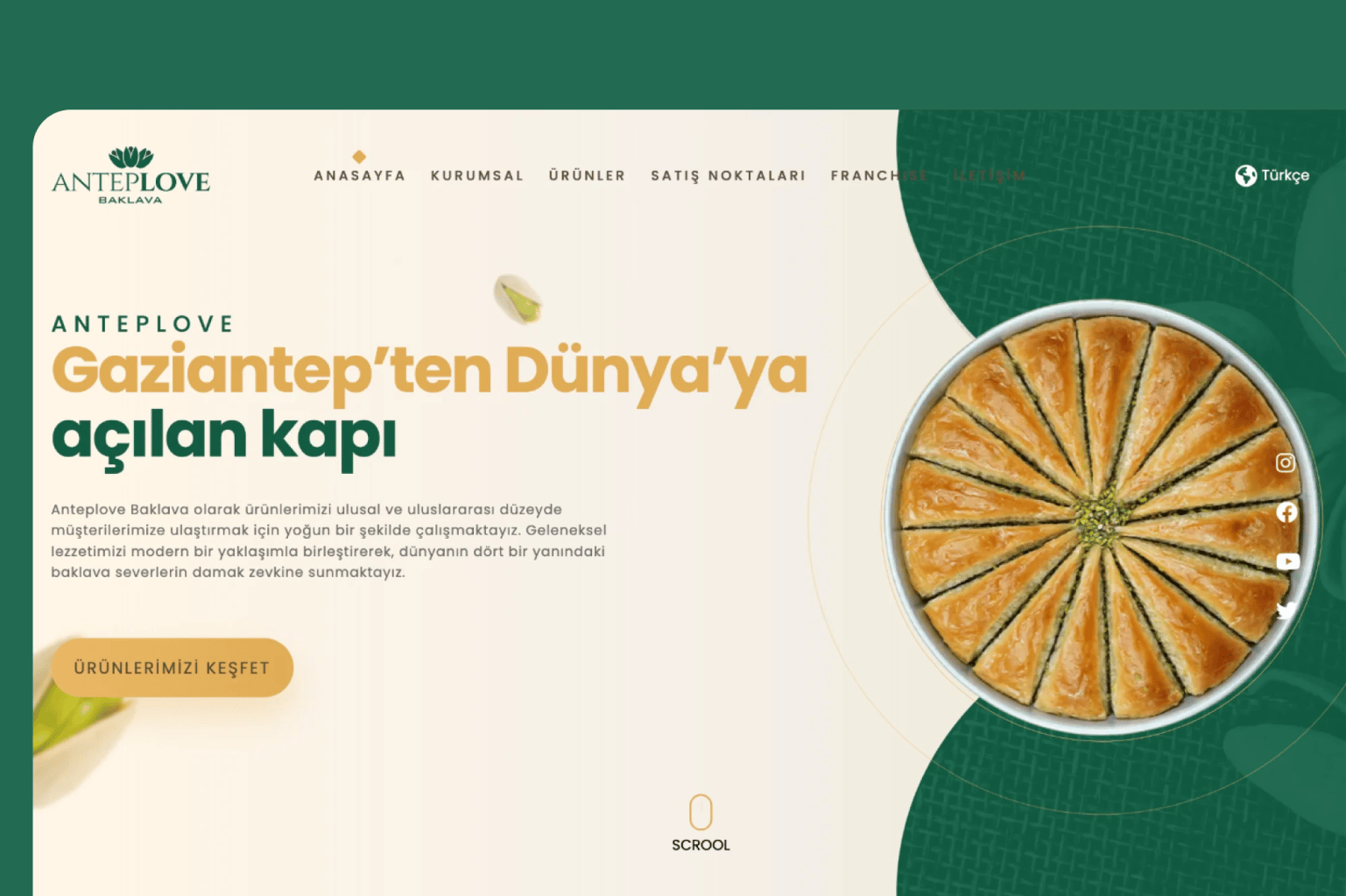
Anteplove Baklava
We told baklava’s journey of flavour in four languages.

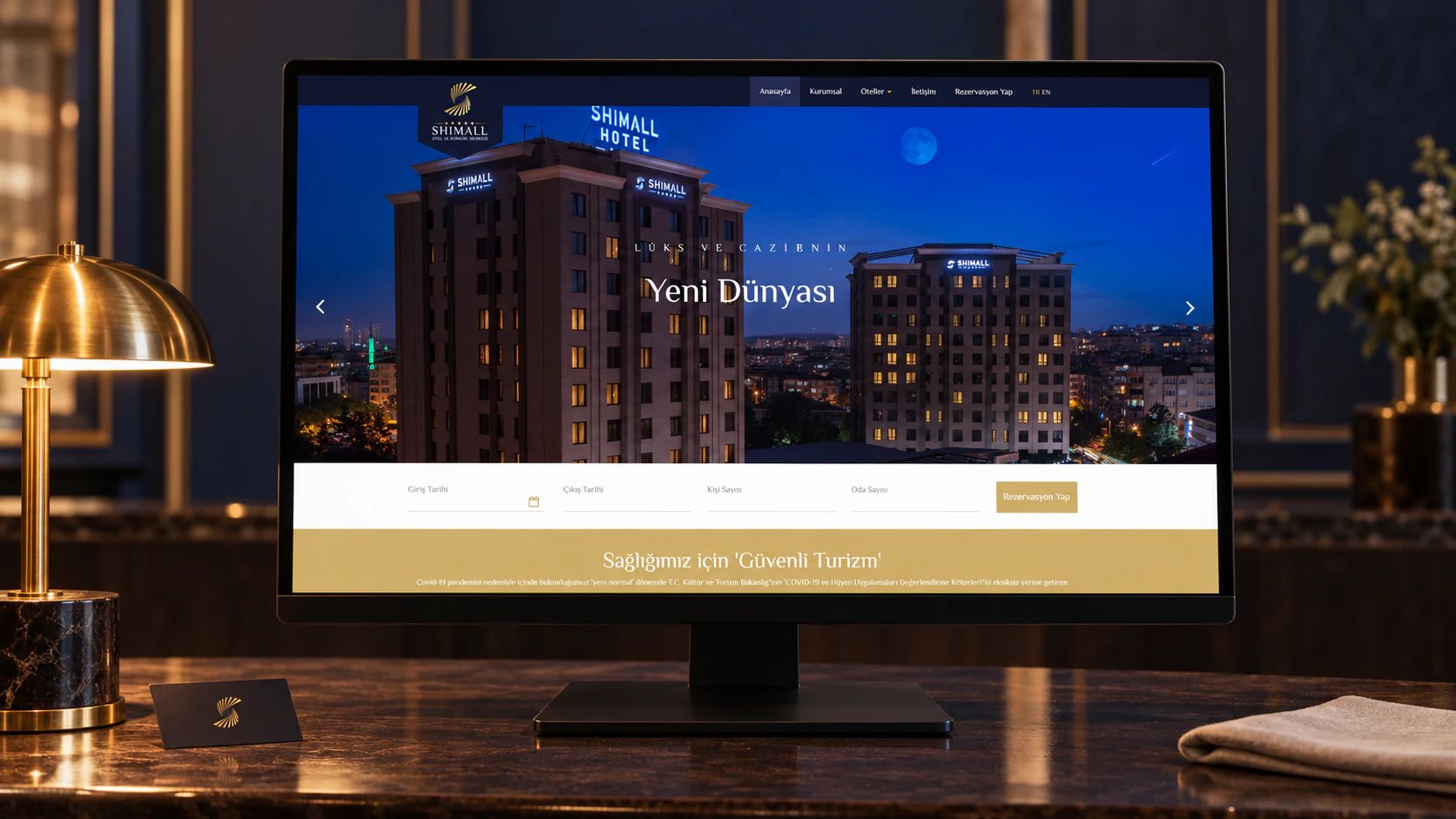
Shimall Hotel
We carried the hotel’s warm welcome into the very first glance.

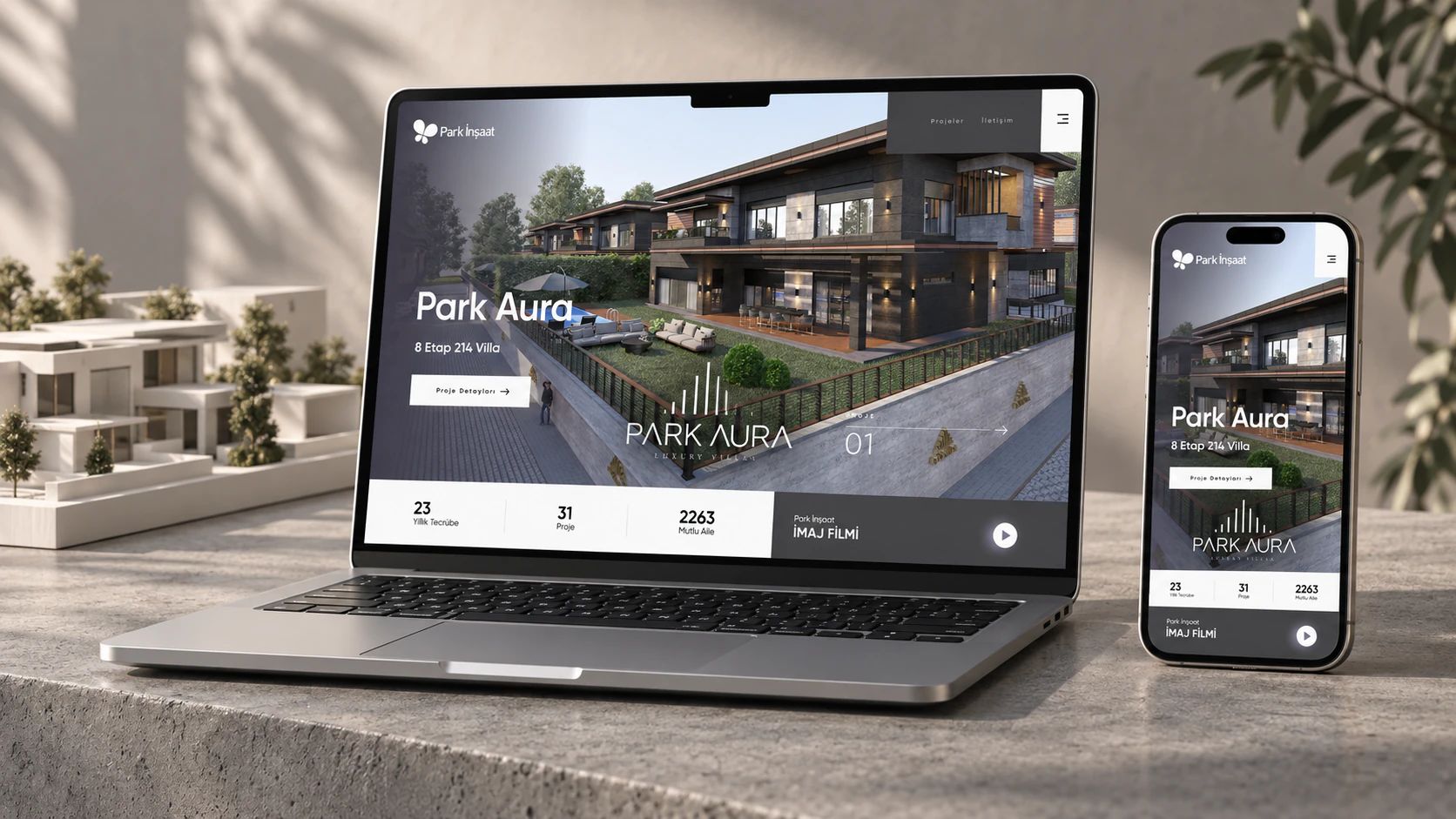
Park İnşaat
We gave every project a full-screen stage.

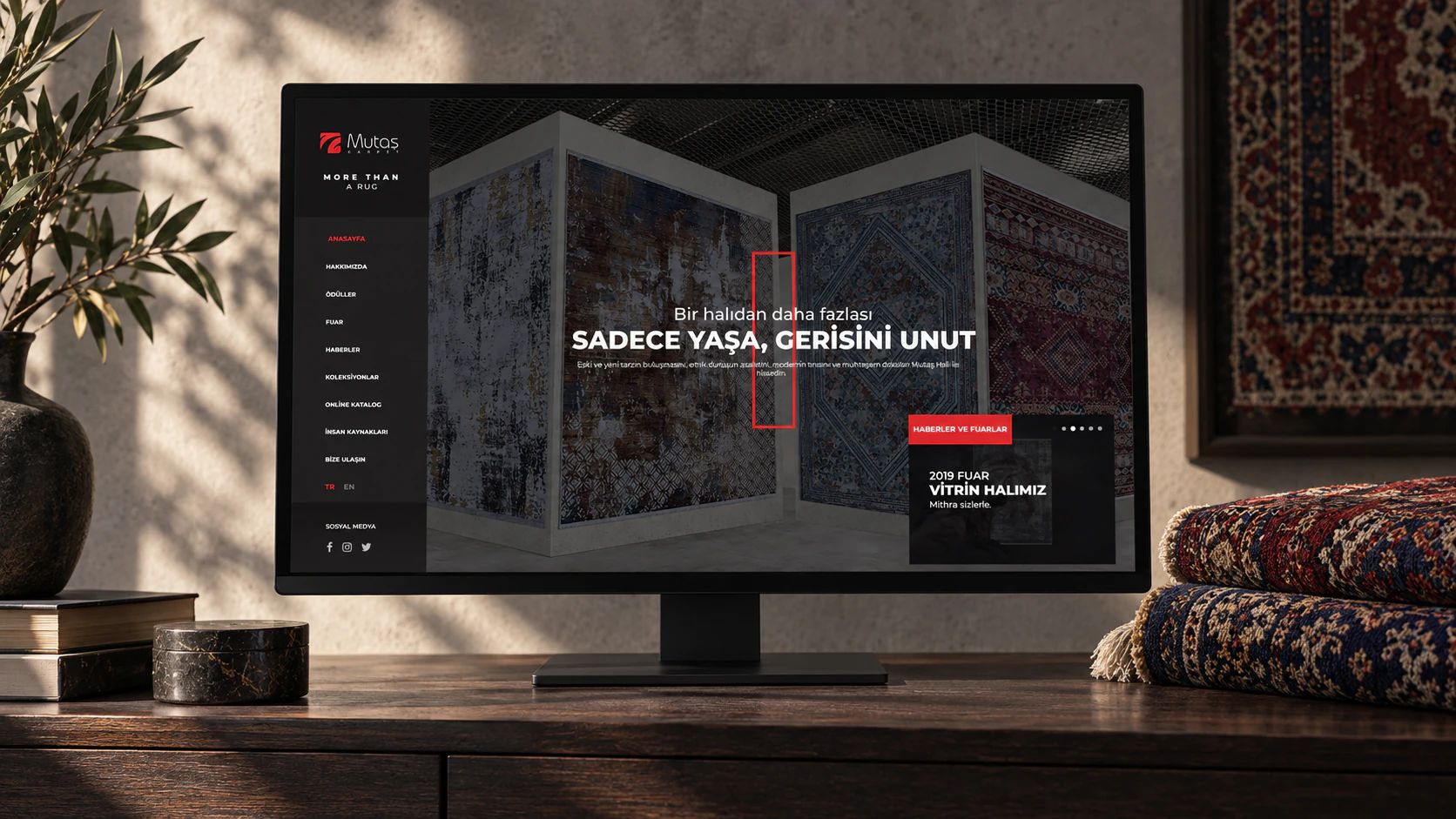
Mutaş Carpet
We brought the colors and patterns of the rugs onto the screen.
Before choosing the system.
We look at how many screens the content will be used on, which panel the team is used to, and how closely the content is tied to business records. With more than one front end, a headless setup comes forward; if the content structure is specific to the project, Payload; if it will be managed together with business records, our Laravel-based panel; and if the team is used to WordPress, WordPress.
In a headless setup the CMS holds only the content; the site’s presentation is developed in a separate front end. It is the right choice if content will be used in more than one place or if design freedom matters. If content will live on a single site only, a simpler setup may do the job.
Yes. We move pages, posts, images, and categories into the new structure and redirect old addresses to the new pages. We test the migration on a copy first, check sample pages together, and then take it live.
Yes. Before launch we hold a session on real content with the people who will use the panel, and prepare a short guide that covers the tasks they do most often.
Yes. Content saved as a draft is checked through a preview that shows how it will appear on the site. If an approval step is defined, content goes live only after an authorized person approves it.
If you’d like, it does. We plan system and plugin updates, new content types, and changing publishing needs together at regular intervals.